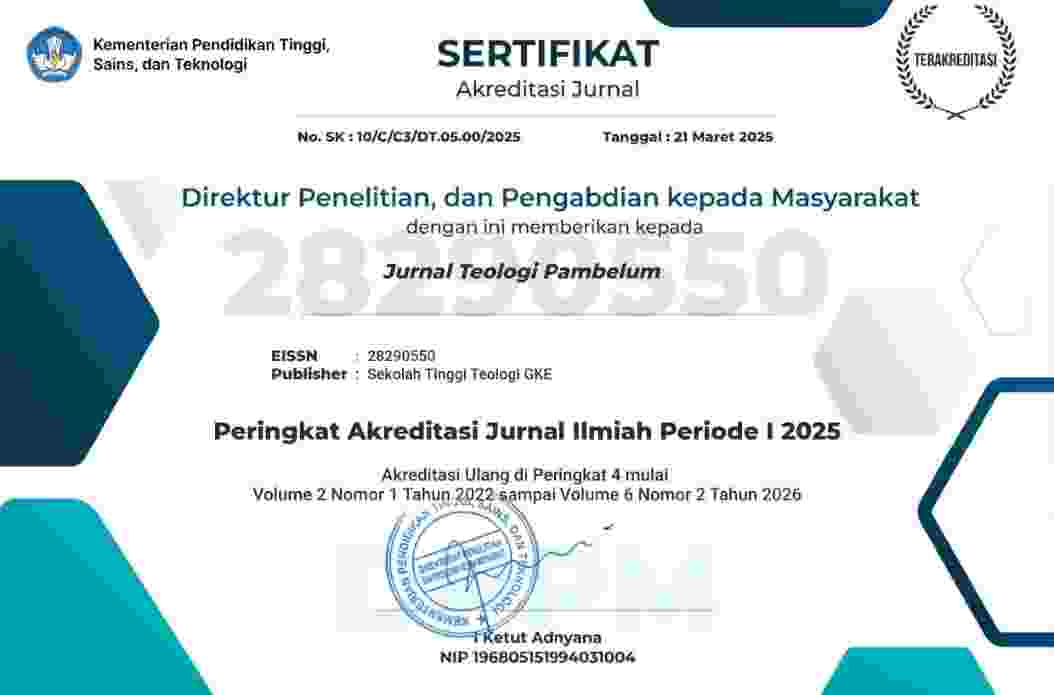
Acreditation Base on Surat Keputusan Direktur Jenderal Riset dan Pengembangan Nomor 10/C/C3/DT.05.00/2025
Manuscripts must be submitted online through the Jurnal Teologi Pambelum website. Authors are requested to follow the steps below.
Prepare the manuscript. Prepare your manuscript according to the Jurnal Teologi Pambelum Author Guidelines and the official article template. Save the manuscript as a Microsoft Word file (.doc or .docx).
Check the originality of the manuscript. Ensure that the manuscript is original, has not been previously published, and is not under consideration for publication in another journal. Authors must comply with the journal's publication ethics and plagiarism policies.
Register or log in. Register for an account on the Jurnal Teologi Pambelum website, or log in if you already have an account. Open the Submissions menu to begin a new submission.
Upload the manuscript. Follow the instructions in the online submission system and upload the manuscript file. Ensure that the manuscript follows the journal's formatting and submission requirements.
Complete the submission metadata. Enter the manuscript title, abstract, keywords, and other required information. Include the full names of all authors, their institutional affiliations, and email addresses. Designate the corresponding author and ensure that the author names and their order in the metadata match those in the manuscript.
Confirm authorship and complete the submission. Ensure that all listed authors have approved the manuscript and agreed to its submission. Complete all required steps in the submission system and submit the manuscript for editorial consideration.
Monitor the submission status. Check your email regularly for notifications from the editorial team. Authors can also log in to the Jurnal Teologi Pambelum website to monitor the status of their submissions and respond to editorial requests when necessary.




Beriman, Berilmu, dan Berdampak
SEKOLAH TINGGI TEOLOGI GEREJA KALIMANTAN EVANGELIS
Jl. D.I. Panjaitan No. 11 Banjarmasin, Kalimantan Selatan, Indonesia 70114
Website Jurnal: http://jurnal.stt-gke.ac.id/index.php/pambelumjtp
Email: ojspambelum@gmail.com
 Karya ini dilisensikan di bawah Lisensi Internasional Creative Commons Atribusi-NonKomersial-BerbagiSerupa 4.0
